
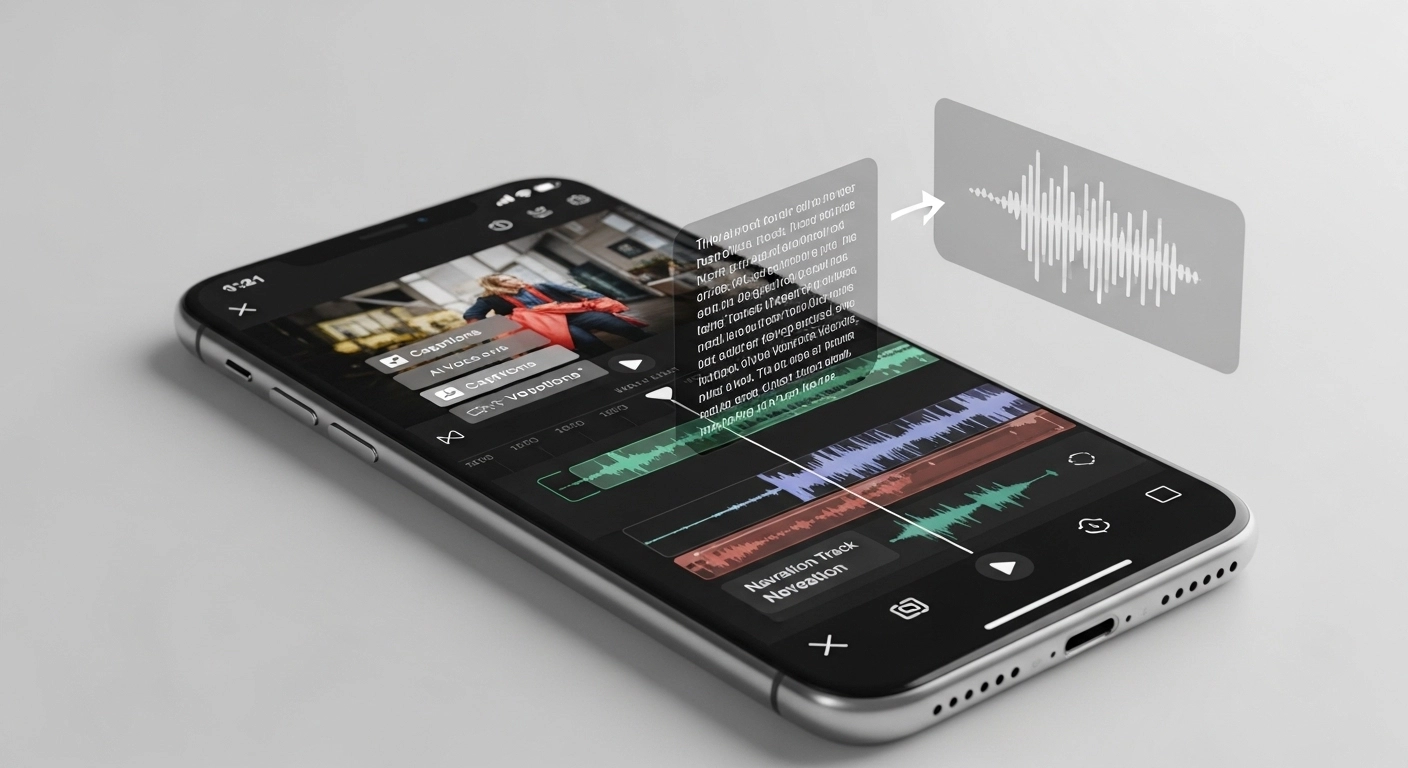
VN Video Editor AI Voiceover Guide for Clean Narration and Easy Editing
Many creators avoid adding narration to their videos because voice recording feels uncomfortable. Some do not own a microphone. Others struggle with background noise or feel unsure about their accent. This is why VN Video Editor AI voiceover has become a common search among mobile editors and faceless creators. Based on our findings at vlogappnow.com, most users want clear narration without recording their own voice.
AI voiceover offers a simple workaround. Creators write their script, generate audio, and place it directly on the timeline. Our analysis shows this method saves time and removes the pressure of sounding perfect. It also fits short form content like reels, shorts, and story videos.
To keep things clear and honest, VN Video Editor does not generate AI voices inside the app. VN works as an editor. Creators add AI voice from external tools and sync it inside VN. The VN APK helps by removing export limits and watermarks, but it does not add built in AI voice features.
What Is VN Video Editor and Why Creators Use It
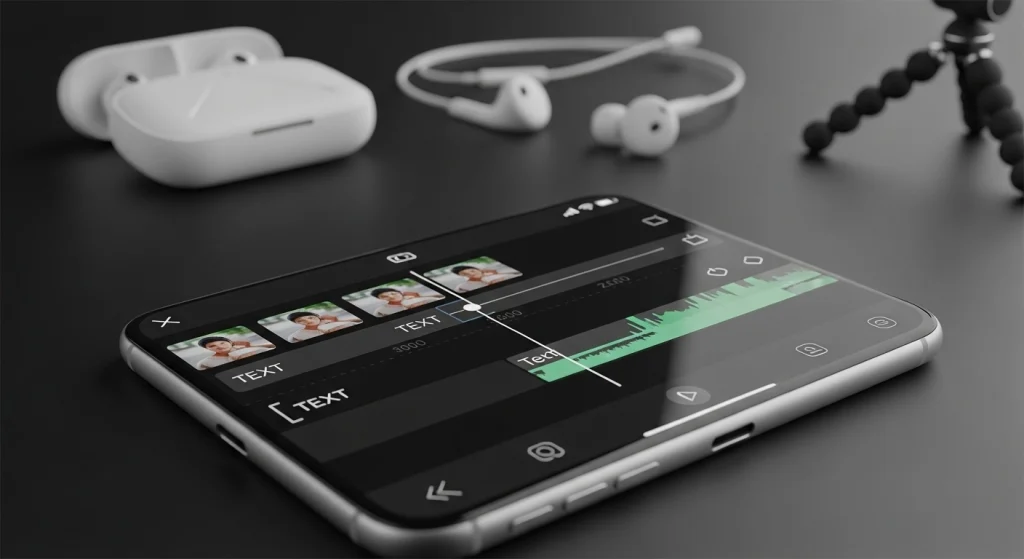
VN Video Editor is a free video editing app used on Android, iOS, and desktop. It lets users cut clips, add text, manage audio, and export high-quality videos. The interface stays clean and easy to learn. Our analysis shows that many beginners start with VN and continue using it long-term, especially for VN Video Editor AI Voiceover workflows on VN for iOS.
Creators like VN because it works fast on mobile. YouTube creators use it for tutorials and narration videos. Shorts and Reels editors like the smooth timeline and quick exports. Faceless channels depend on VN because audio syncing stays accurate, even when using the VN Old Version. According to our findings at vlogappnow.com, most faceless creators prefer VN for voice-based videos.
There are two versions people use. The official app is free and stable. It includes all core editing tools. VN Mod APK removes some limits like watermarks. It does not change how AI voiceover works, and the workflow stays the same in both versions, including how to use VN Templates for faster edits.
Does VN Video Editor Support AI Voiceover
VN Video Editor does not generate AI voice on its own. It has no built-in text-to-speech system. Many guides claim otherwise, but our analysis shows this is not true. This clarity matters for trust and correct expectations, especially when learning how to Add Subtitles in VN for voice-based videos.
What VN does support is external audio handling. You can import AI voice files like normal music. You can place them anywhere on the timeline. You can sync voice with visuals without lag. Based on our findings, this level of control is enough for most creators, especially when combined with how to remove background noise in VN for cleaner sound.
This workflow still fits AI voice projects well. Creators generate voice using a text-to-speech tool, then edit everything inside VN. According to our research at vlogappnow.com, faceless channels prefer this setup because it stays simple and reliable. VN focuses on editing, and it does that job well, especially when creators use VN Effects to support narration visually.
How to Add AI Voiceover in VN Video Editor
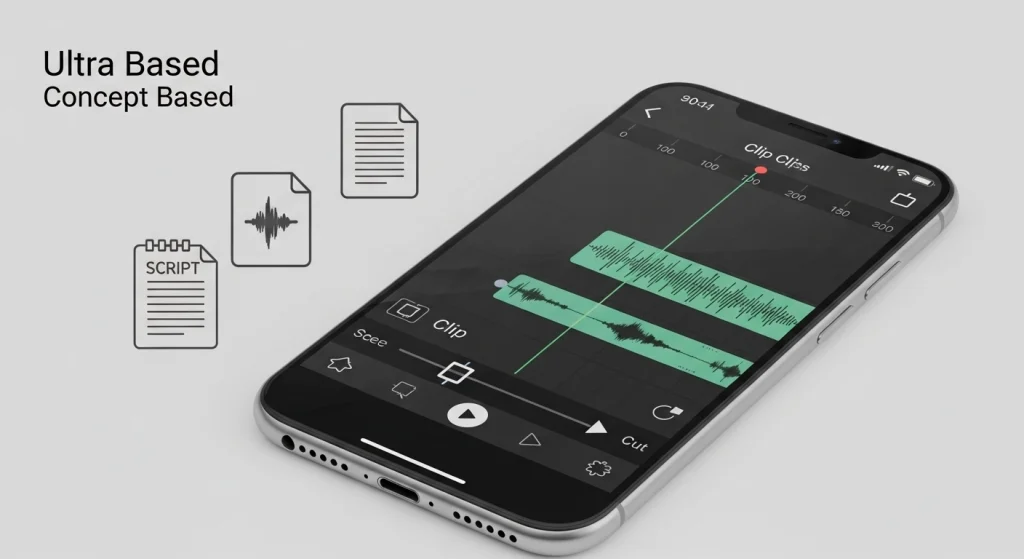
This is the exact workflow creators use. Based on our analysis, this method works the same on the official app and the mod version.
Step 1: Create an AI Voice Using Text to Speech
Creators first generate the voice outside the editor.
- Write a short and clear script
- Paste the script into any text to speech tool
- Select a natural-sounding voice
- Export the voice as an audio file
We found that most creators save the file in MP3 format because VN reads it smoothly.
Step 2: Import AI Voice into VN Video Editor
VN Video Editor makes audio import simple.
- Open your project
- Tap the music or audio option
- Import the AI voice file
- Add it to the timeline
According to our findings at vlogappnow.com, VN handles long narration files without audio cuts.
Step 3: Sync AI Voice with Video
This step decides how professional your video feels.
- Place the voice at the start of the timeline
- Trim extra silence from the beginning
- Align voice with scene changes
- Lower background music volume if needed
Our analysis shows beginners get the best results by syncing voice first, then adjusting visuals. This keeps timing clean and avoids rework.
Create a voice outside. Import into VN. Sync carefully. This simple flow works for most AI voice videos.
How to Record Normal Voiceover in VN
VN Video Editor includes a built-in voice recording feature. This option works well when you want a personal touch. You can record directly on the timeline using your phone mic. Our analysis shows that many beginners start this way because it feels simple and fast, especially when comparing VN vs VivaVideo for basic voice recording needs.
This option makes sense when your room stays quiet, and your voice sounds clear. It also fits vlog style videos or tutorials where your tone matters. Based on our findings, creators who show their face often prefer a real voice because it builds trust with viewers, especially when combined with visuals created using how to do masking in VN.
AI voice and recorded voice serve different needs. AI voice helps when you lack a mic or wanta consistent sound. Recorded voice works better for emotion and personality. According to our research at vlogappnow.com, faceless channels lean toward AI voice, while personal channels stick with real narration.
VN Pro Mod APK and AI Voiceover – What Changes
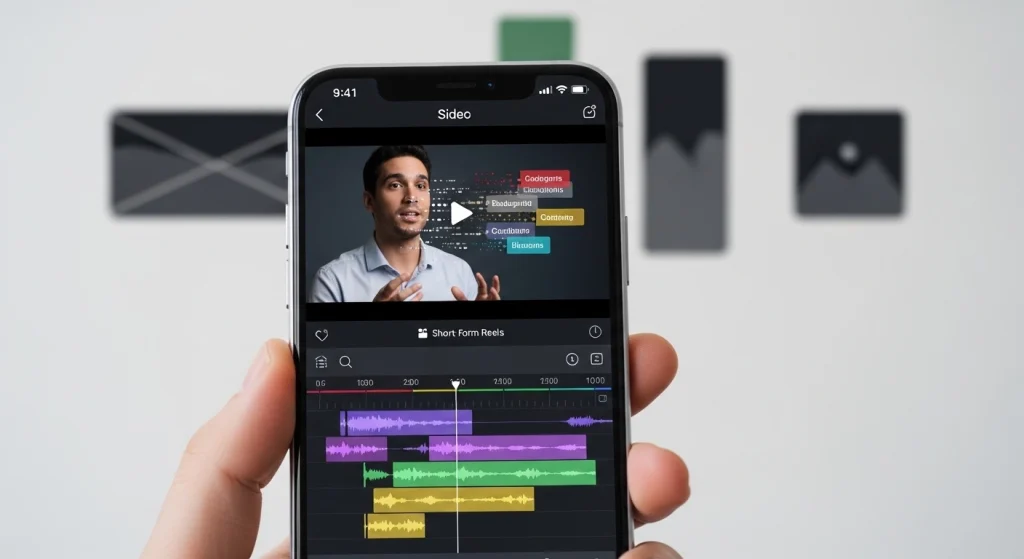
VN Video Editor behaves the same for AI voiceover in both versions. The editing workflow does not change. Voice files still come from outside tools and get imported normally.
VN APK mainly helps with export limits. It removes the watermark and allows smoother exports. This saves time for creators who post often. Based on our analysis, this is the main reason users choose the mod version.
What it does not do is just as important. VN Video Editor Mod APK does not add an AI voice. It does not unlock text to speech. It does not change audio tools. According to our findings at vlogappnow.com, clear expectations help users avoid confusion and trust the workflow more.
Using AI Voiceover for Different Content Types
AI voiceover fits many formats. The key is how you pace and structure the video. Based on our analysis, creators adjust voice timing based on platform needs.
VN Video Editor AI Voiceover for YouTube
VN Video Editor works well for long-form videos. Tutorials benefit from clear and steady narration. AI voice helps explain steps without pauses or noise. Our findings show this keeps viewers focused on the screen.
Faceless videos rely even more on voice clarity. Creators use AI voice to tell stories, explain facts, or guide viewers. According to our research at vlogappnow.com, consistent voice tone improves watch time and reduces re-edits, especially for creators using VN Mod APK for frequent publishing.
VN AI Voiceover for Reels and Shorts
Short videos need faster pacing. AI voice should sound quick but natural. Long pauses do not work here. Creators trim silence and sync voice tightly with visuals.
Captions matter a lot for Shorts and Reels. Many users watch without sound. Our analysis shows that pairing an AI voice with on-screen text boosts retention. VN makes this easy by letting you match captions with narration timing.
Key VN Video Editor Features That Improve AI Voice Videos
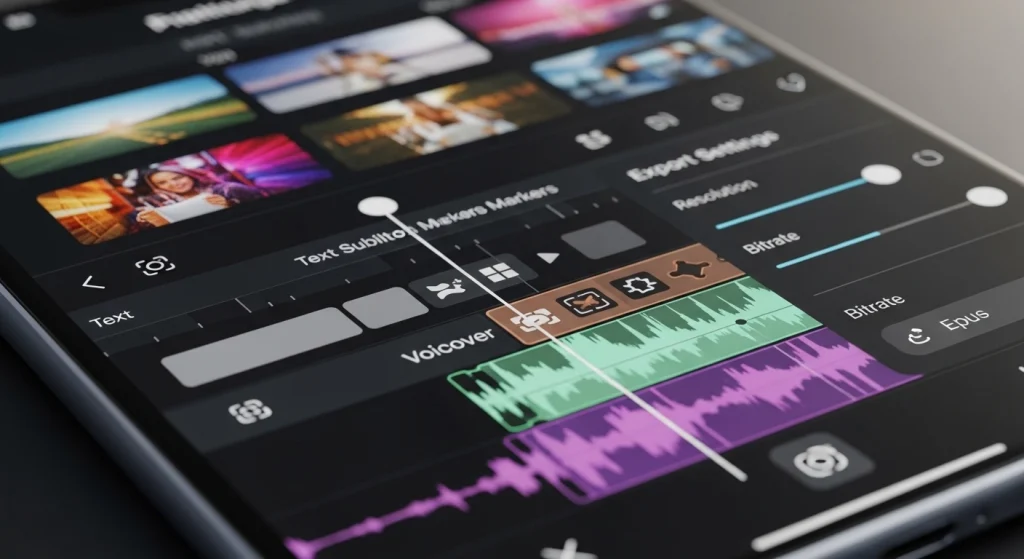
- Audio layers: VN Video Editor lets you place AI voice, music, and effects on separate layers for clean sound control.
- Timeline control: The precise timeline helps sync AI voice with scenes, cuts, and visual cues without delay.
- Text and subtitles: On-screen text can match AI voice timing, which helps viewers who watch without sound.
- Transitions: Simple transitions keep visuals smooth so the voiceover feels natural and uninterrupted.
- Export settings: Flexible export options keep AI voice clear across YouTube, Shorts, and Reels formats.
Common Problems with VN Video Editor AI Voiceover
VN Video Editor handles AI voice well, but creators still face a few common issues. Based on our analysis, these problems come from the setup, not the app itself.
Voice out of sync
This happens when the voice file has silence at the start. Trim the empty part before syncing. Always align voice first, then adjust visuals. Our findings show this fixes most timing issues.
Volume imbalance
AI voice often sounds low or too sharp. Lower background music volume and keep voice levels consistent. According to our research at vlogappnow.com, balanced audio improves viewer retention.
Robotic sound
This comes from poor script flow or fast speech. Use short sentences and natural pauses. We found that slower pacing makes the AI voice sound more human.
Export audio issues
Audio glitches usually come from wrong export settings. Export in standard quality and avoid extreme compression. This keeps the voice clear across platforms.
VN Video Editor vs Other Apps for AI Voiceover
VN Video Editor and CapCut both support AI voice workflows, but they work differently. CapCut offers built in text to speech, which suits quick edits. VN focuses on manual control. Creators import AI voice and sync it with precision.
VN remains popular among mod users because it stays flexible. There are fewer locked steps and no forced presets. Based on our analysis, users prefer VN when they want clean control over narration timing and exports. This balance keeps VN relevant for AI voice videos.
Best Practices for Natural Sounding AI Voice in VN
Script writing tips
Write short sentences with simple words. Break long ideas into parts. Our analysis shows that clean scripts reduce robotic tone in VN Video Editor AI Voiceover.
Voice speed and pauses
Keep the voice slightly slow. Add small pauses between thoughts. This helps the narration sound natural.
Matching visuals with narration
Sync visuals with what the voice says. Show actions at the right moment. This keeps viewers engaged in VN Video Editor.
Avoiding robotic results
Trim silence, avoid rushed speech, and adjust timing. According to our findings at vlogappnow.com, small tweaks make a big difference.
FAQs
Conclusion
VN Video Editor AI Voiceover is a practical solution for creators who want clean narration without recording their own voice. VN may not generate AI voice, but it edits and syncs AI audio files with strong control. Based on our analysis at vlogappnow.com, this workflow works well for YouTube, Shorts, and faceless videos. Whether you use the official app or VN Pro Mod APK, the process stays simple, reliable, and creator-friendly.